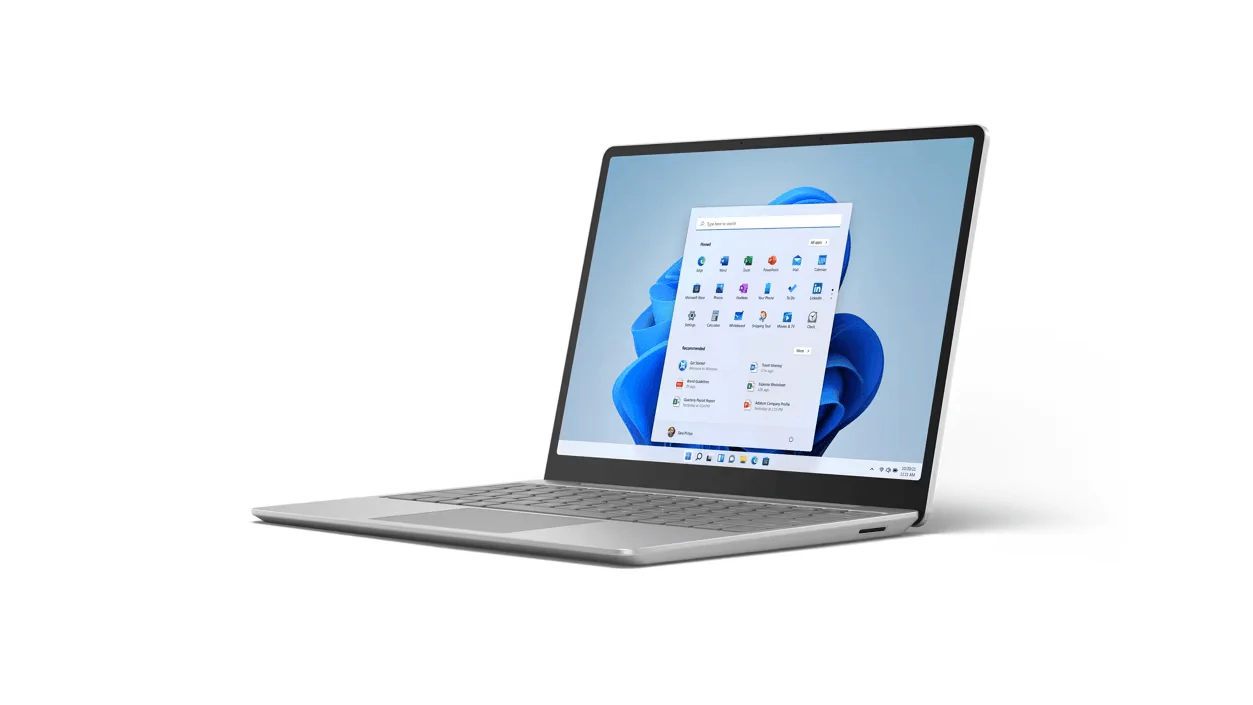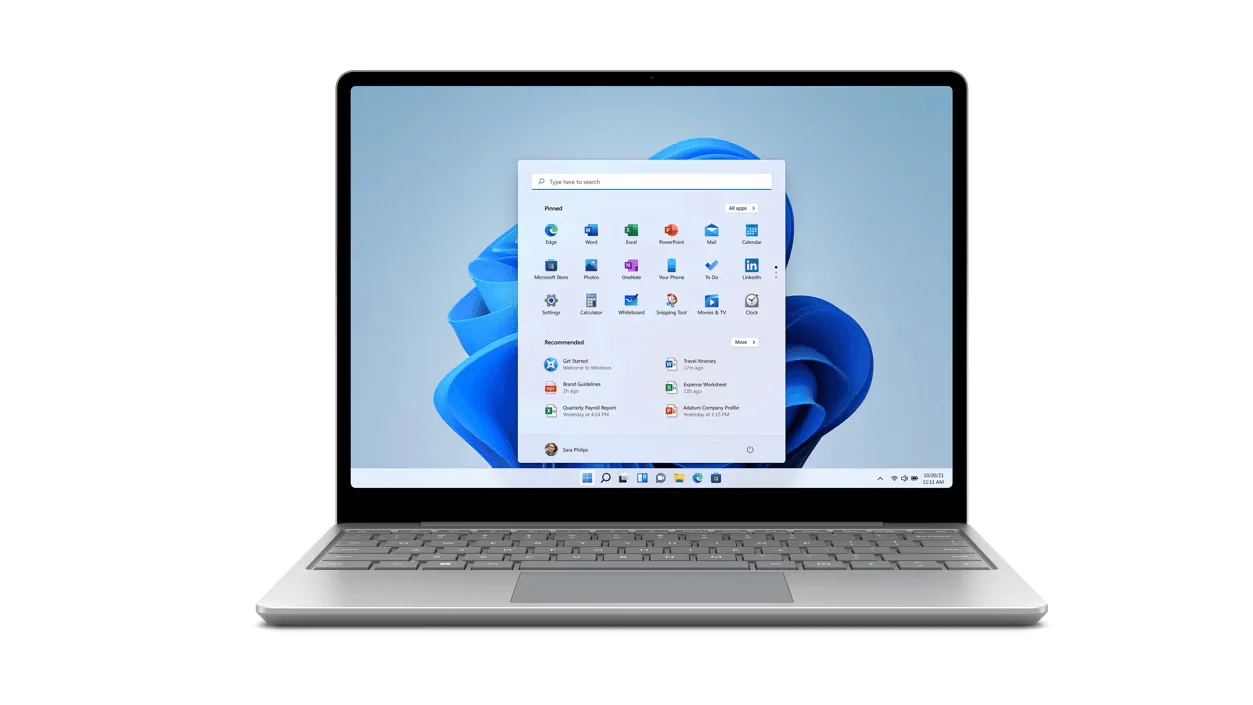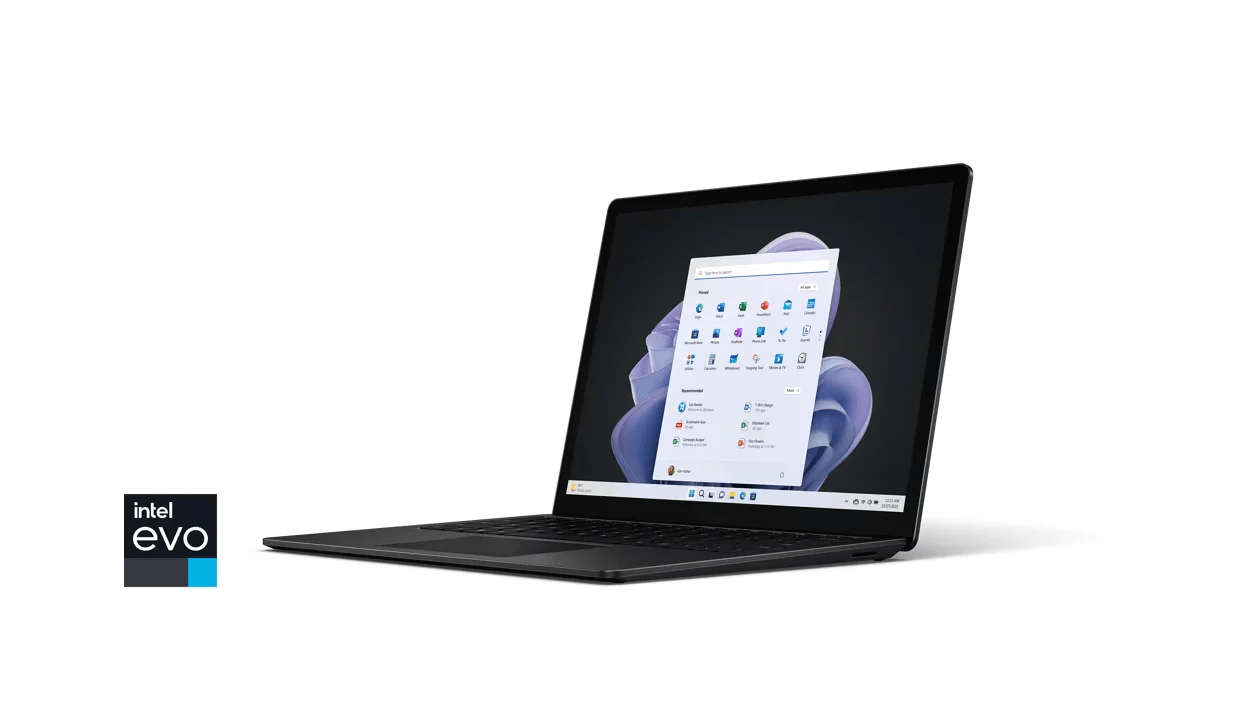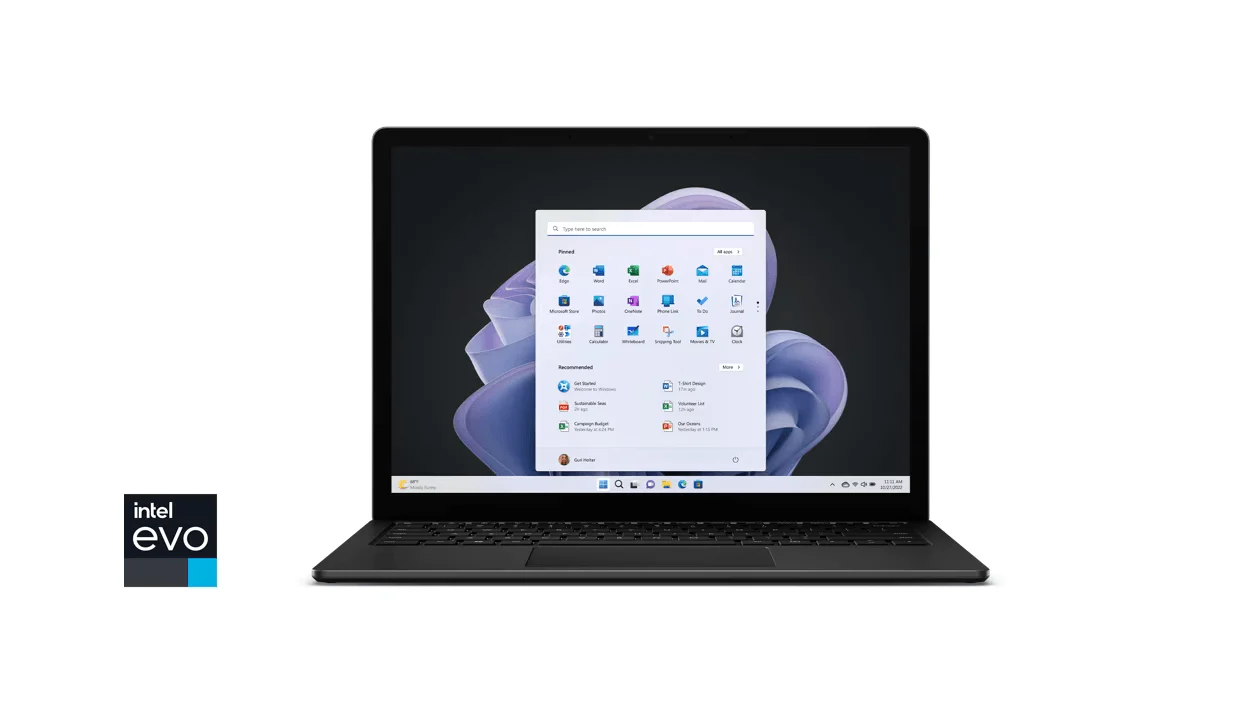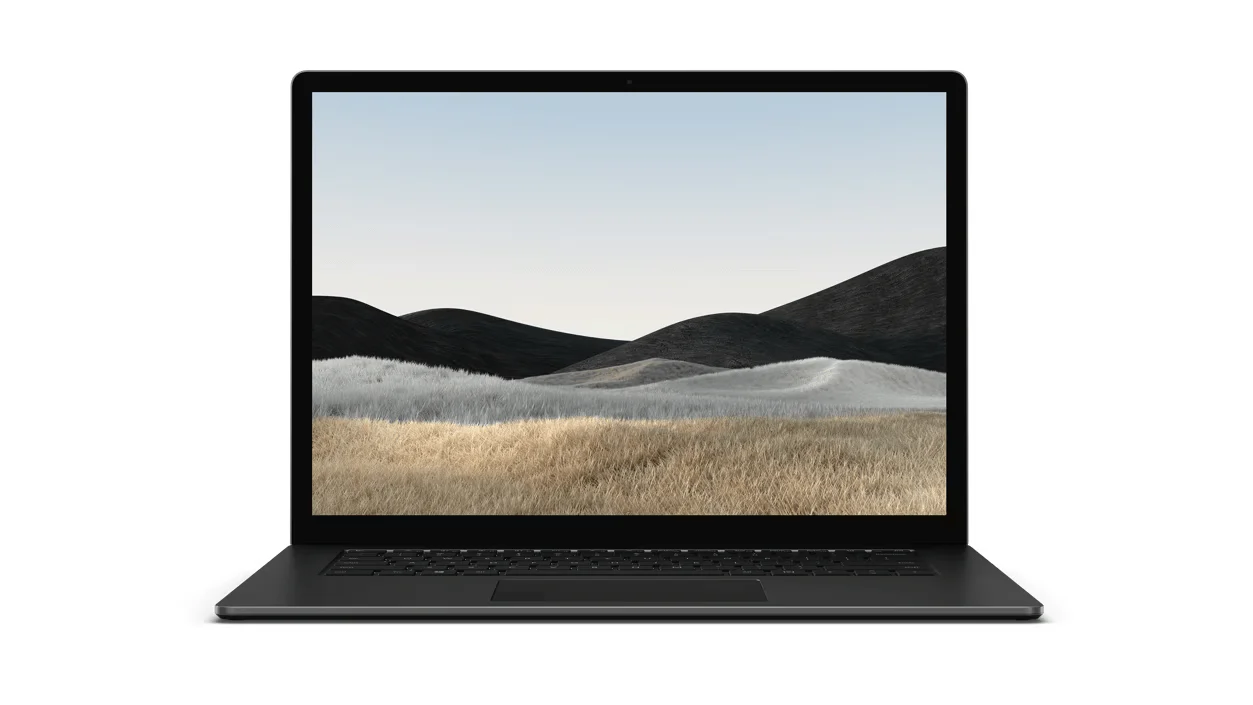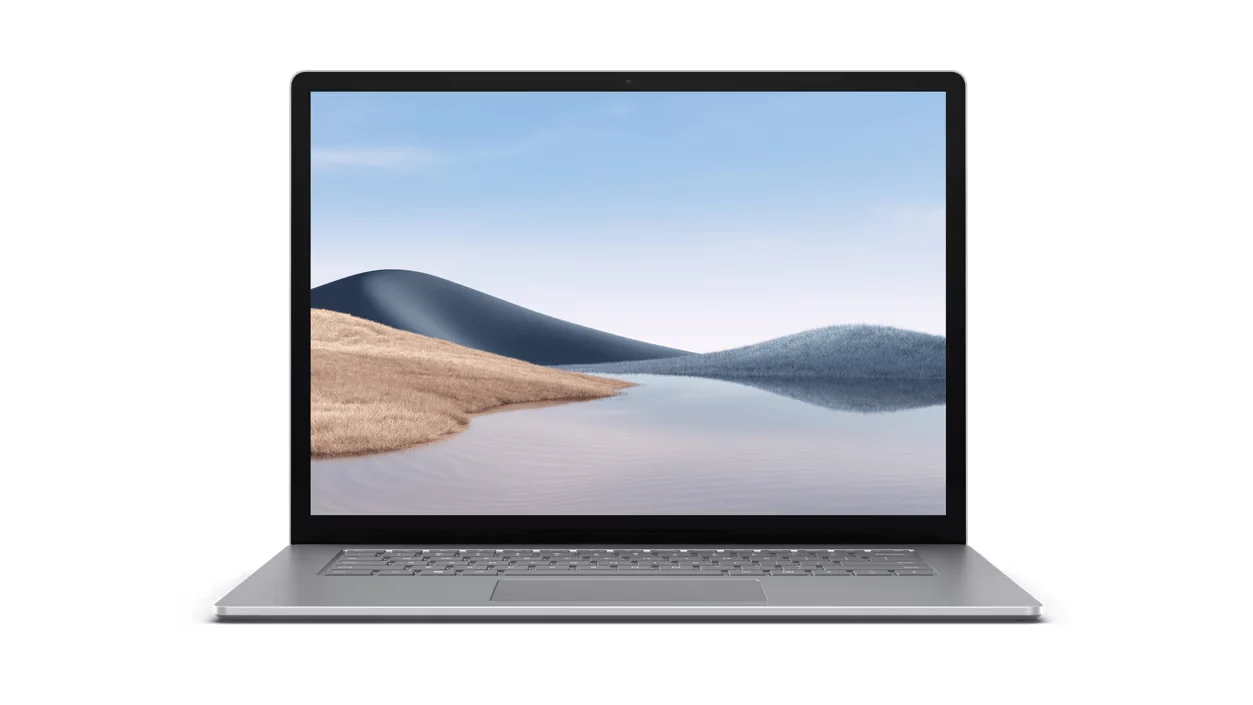
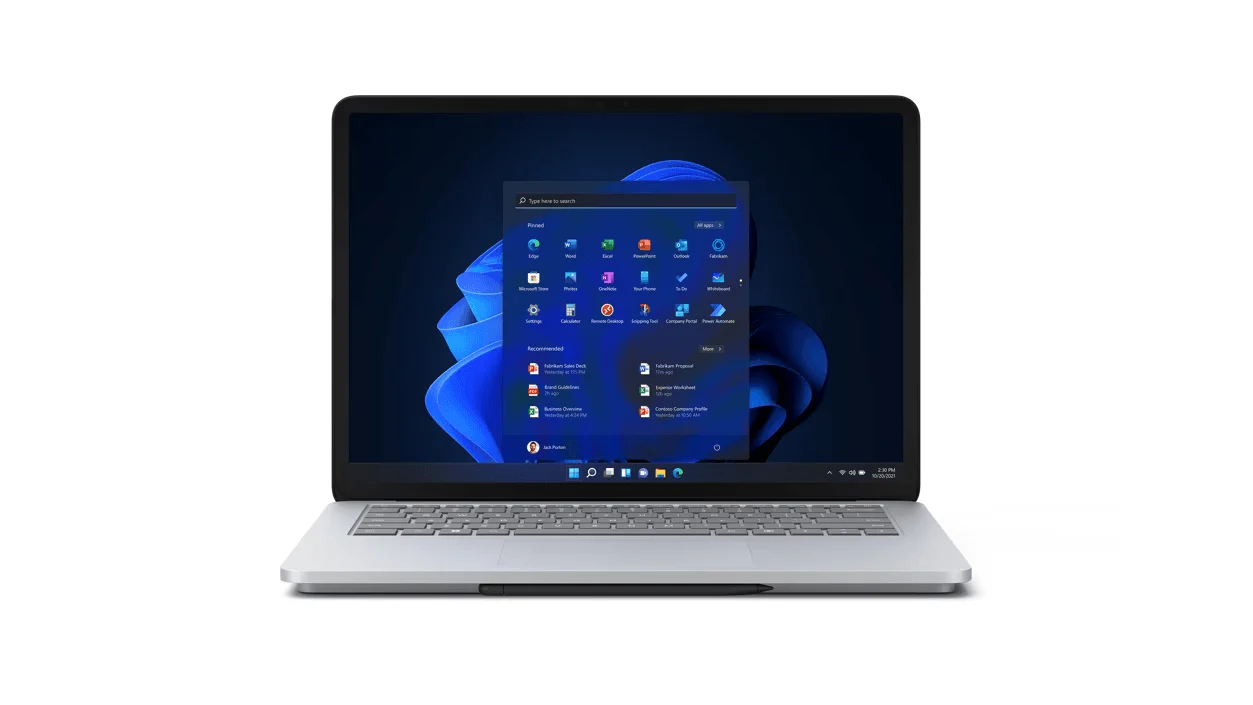
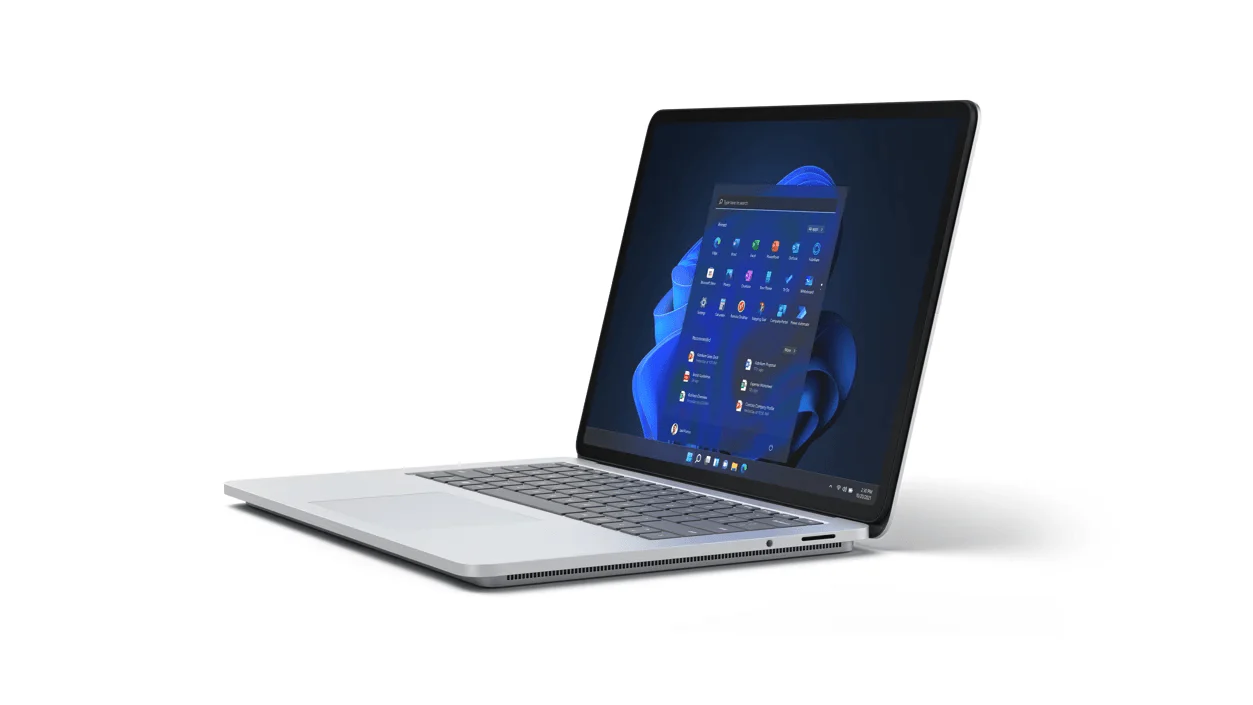
Microsoft Surface Laptop Studio for Business
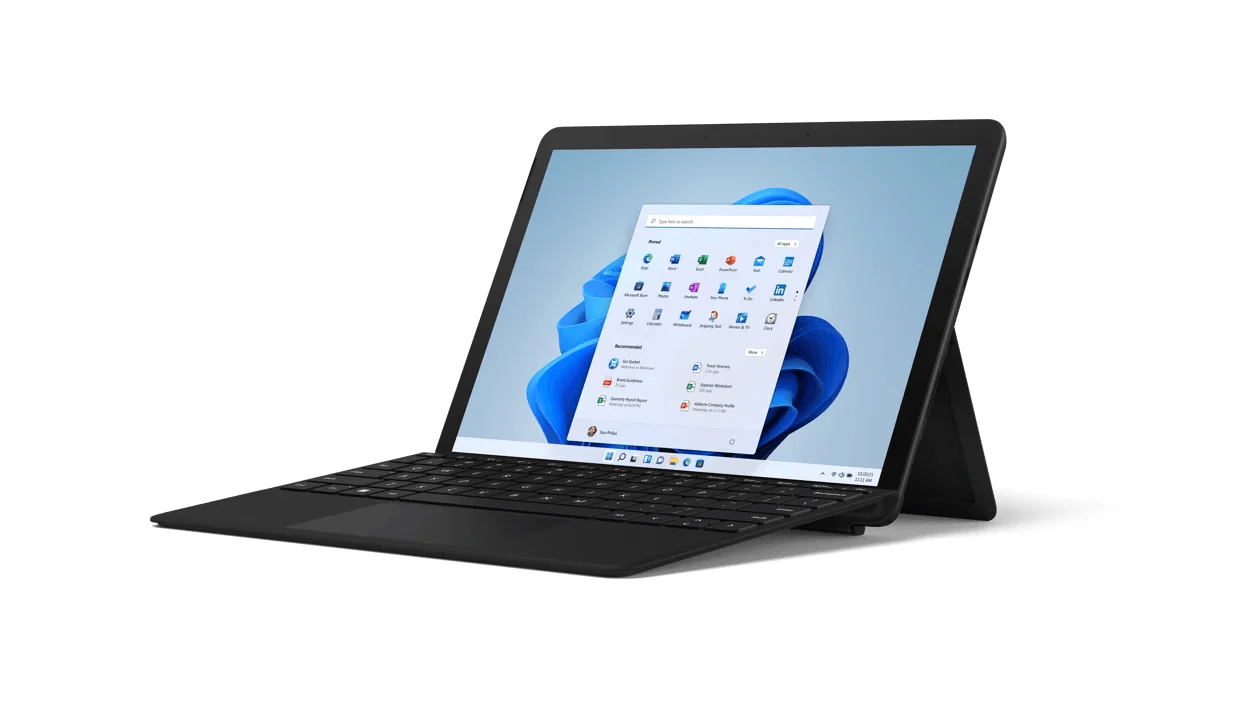
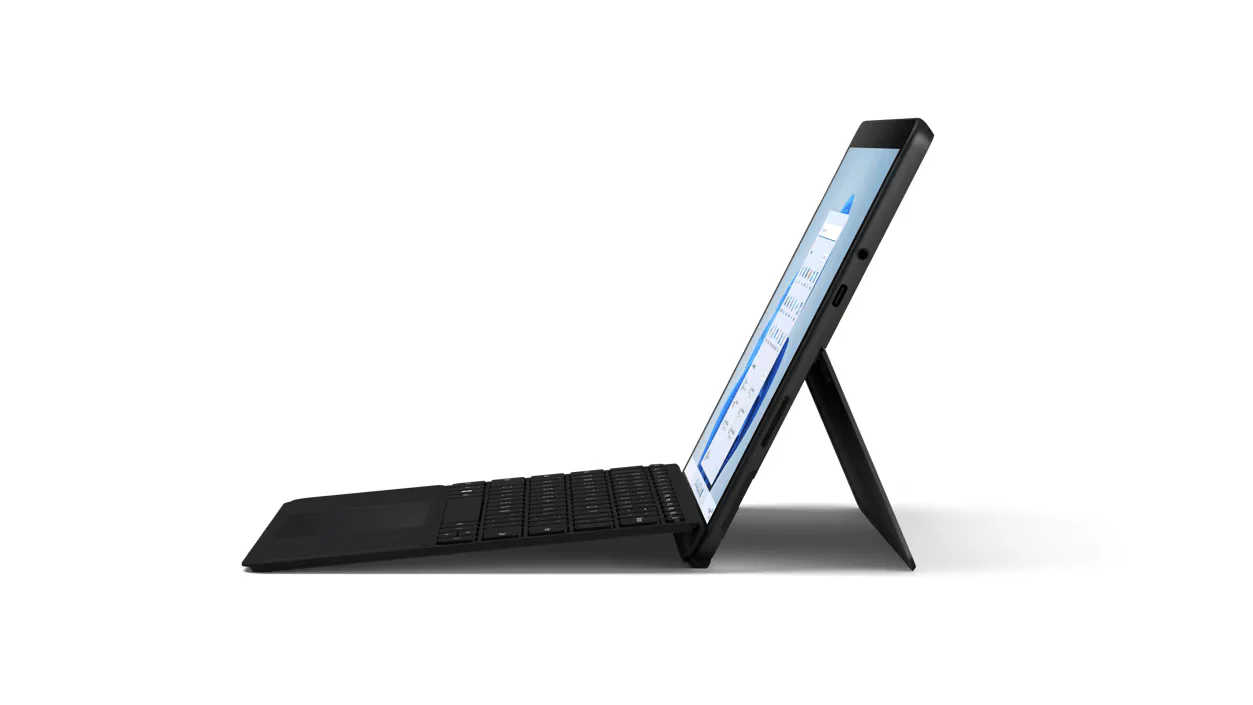
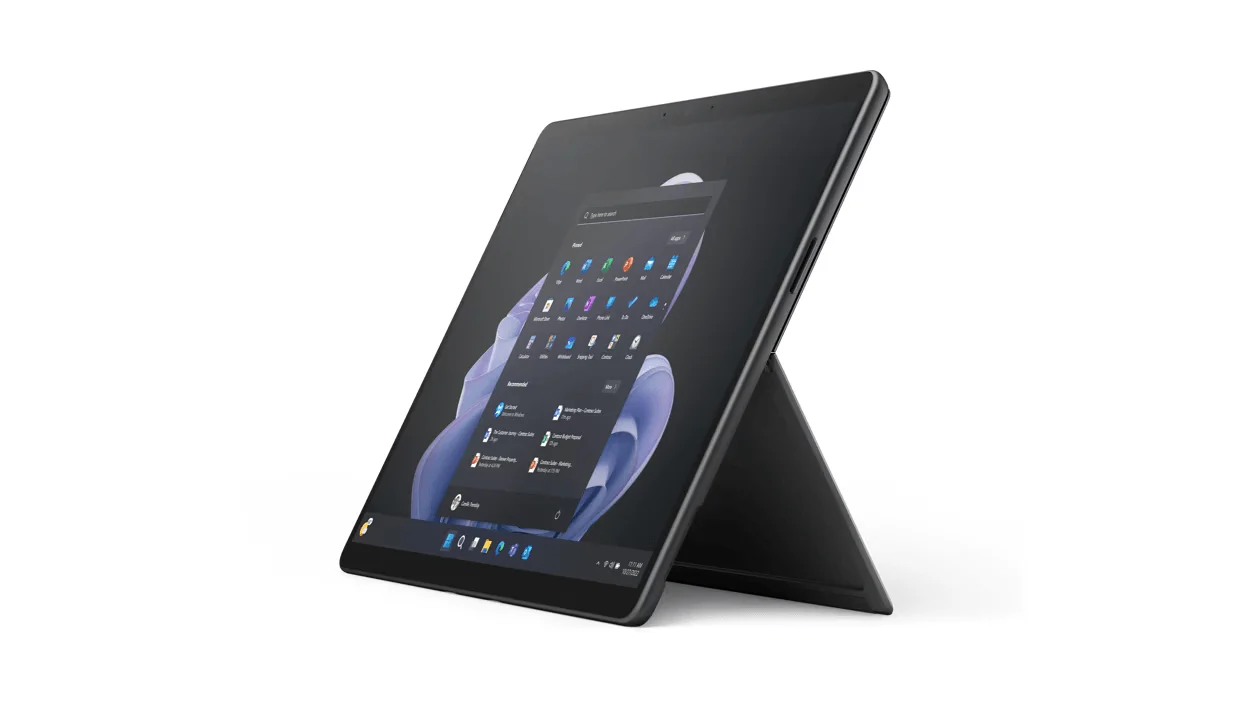
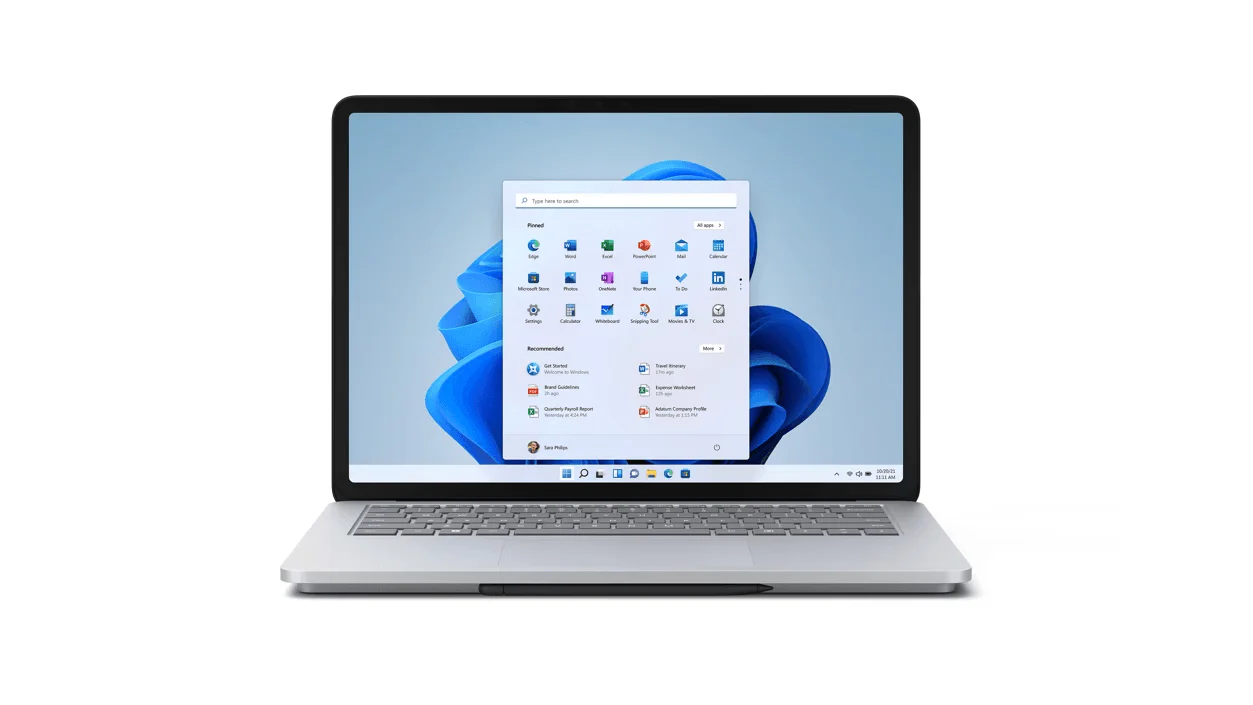
The Microsoft Surface Laptop Studio for Business is designed to meet the diverse needs of professionals by providing a versatile device that can adapt to different working modes. Here's a detailed look at its key features and benefits:
Key Features:
-
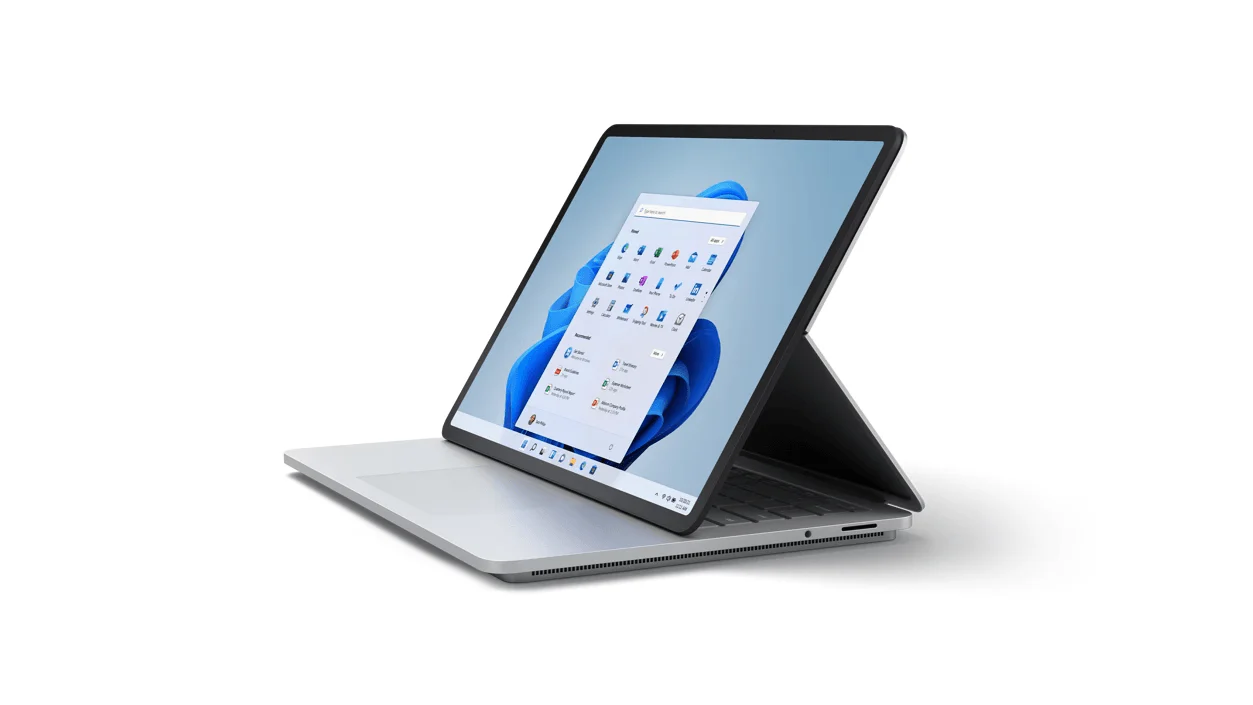
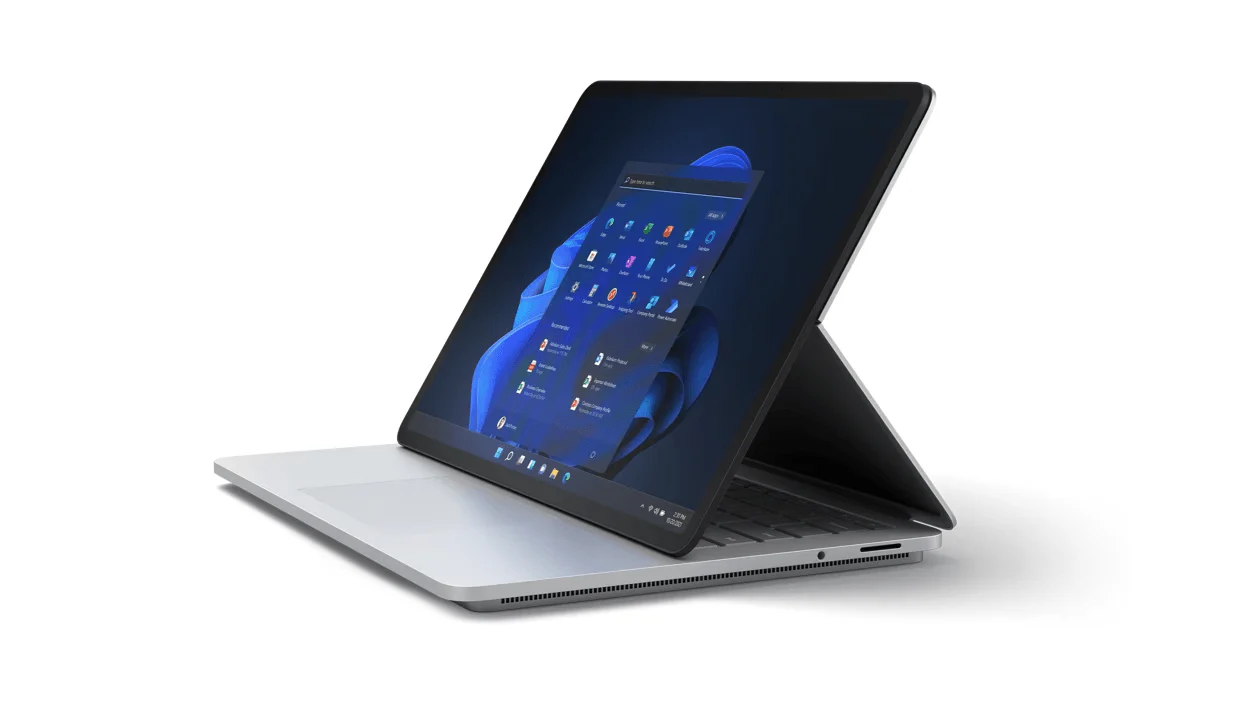
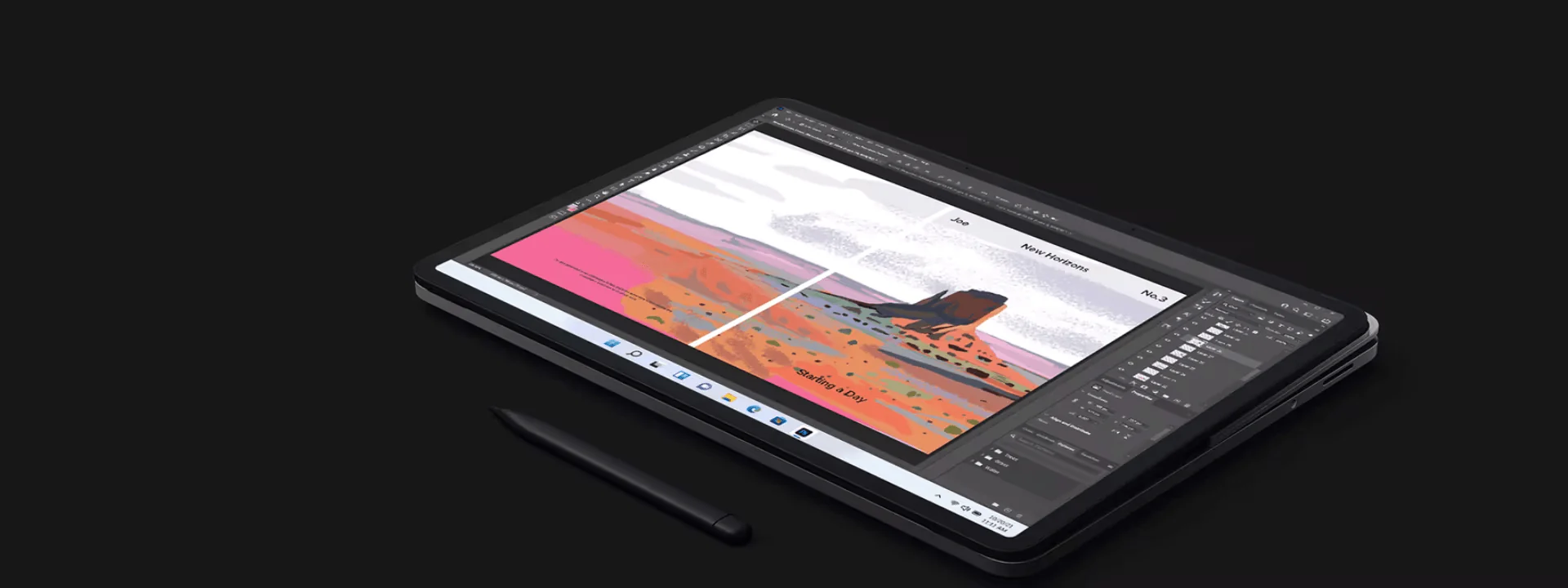
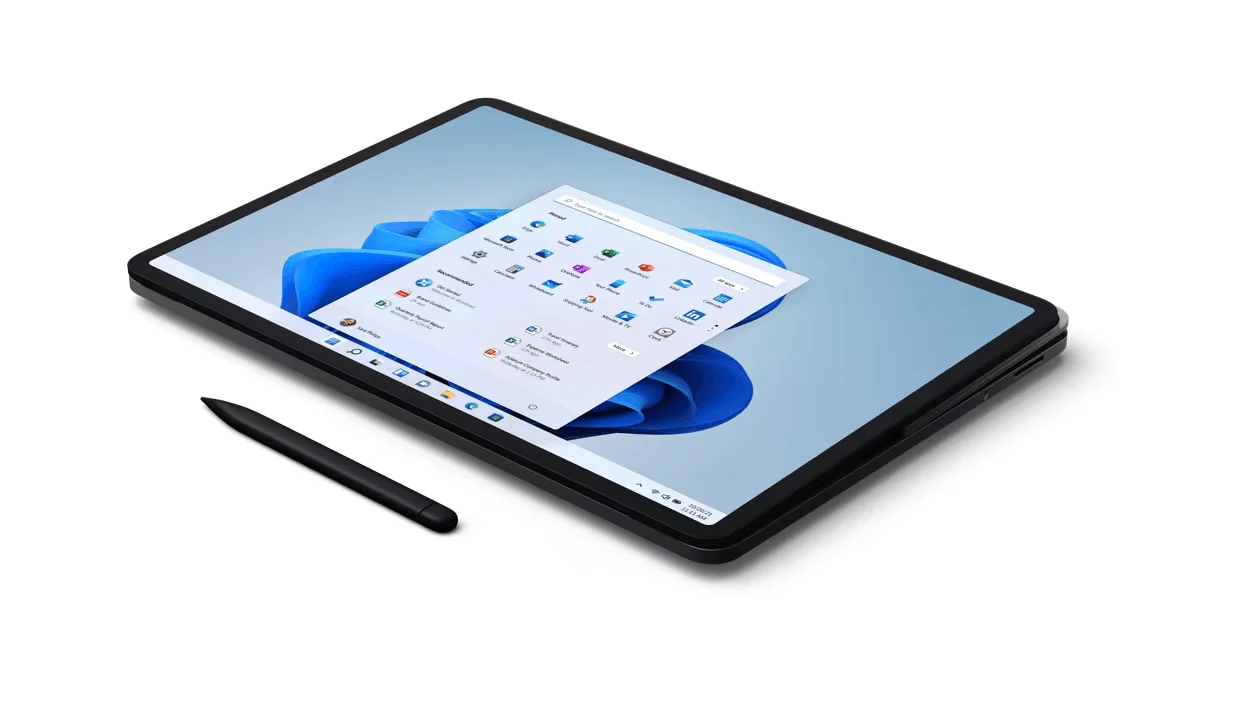
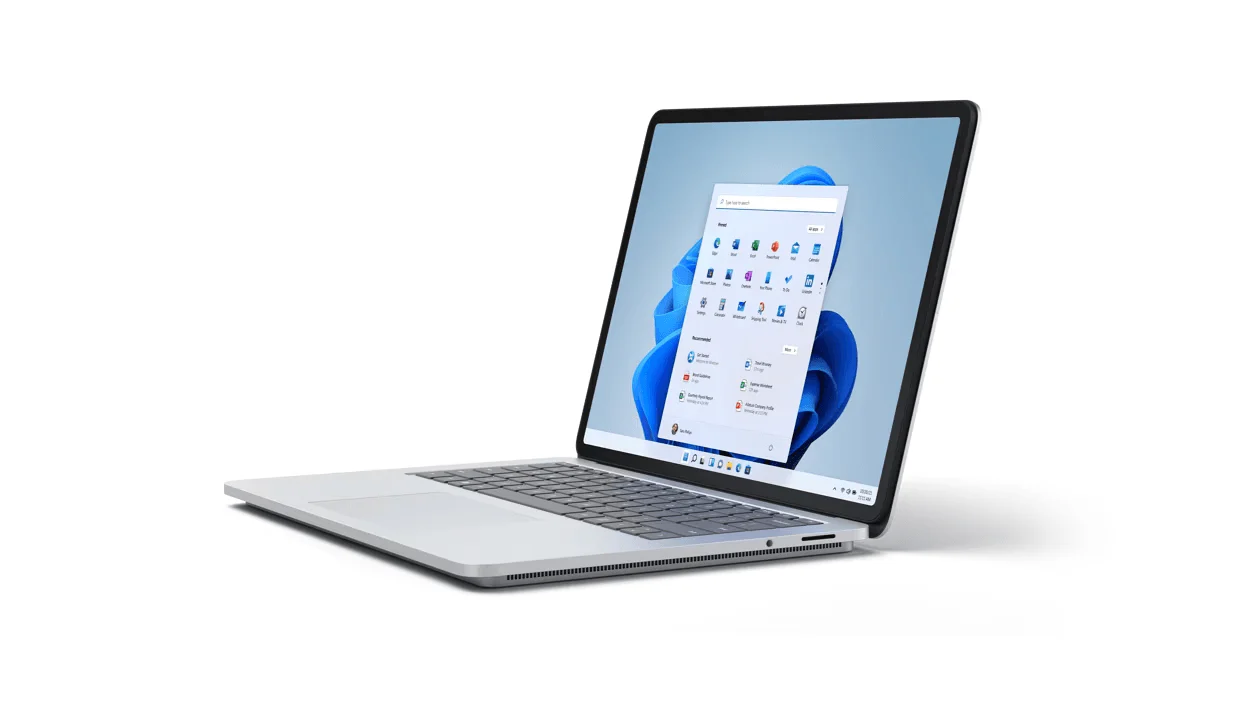
Multi-Mode Usage: Switch between various modes including laptop mode, stage mode for presenting, and studio mode for sketching, all thanks to the dynamic woven hinge.
-
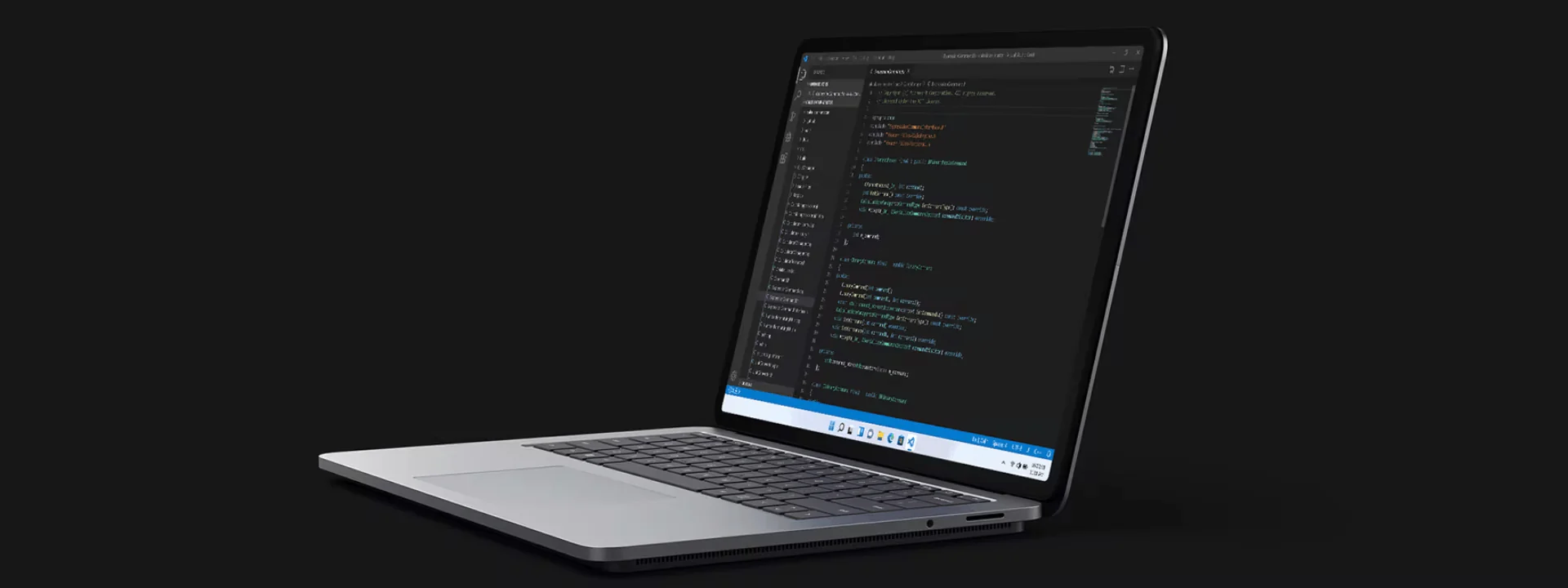
High-Performance Capabilities: Engineered for intensive tasks, it's the most powerful Surface yet, capable of running software like Adobe® Premiere® Pro, Photoshop®, Autodesk® AutoCAD®, and more.
-
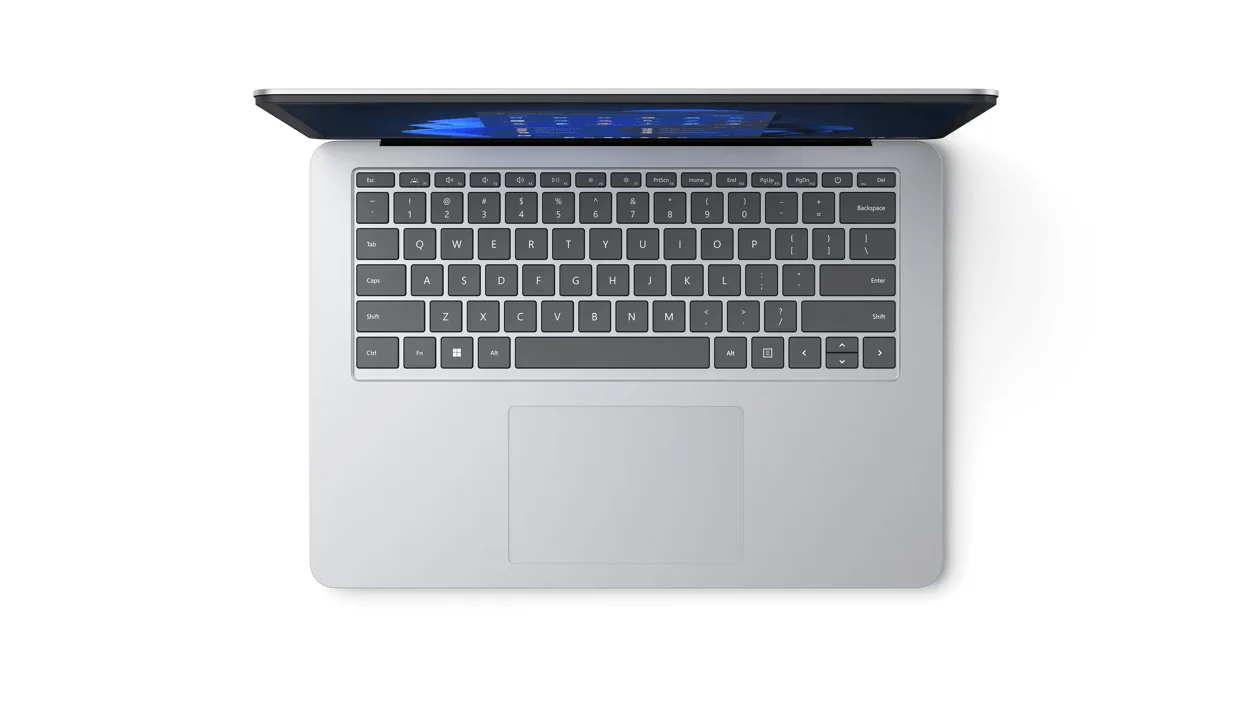
Precision Haptic Touchpad: Provides comfortable feedback as you navigate, enhancing your user experience.
-
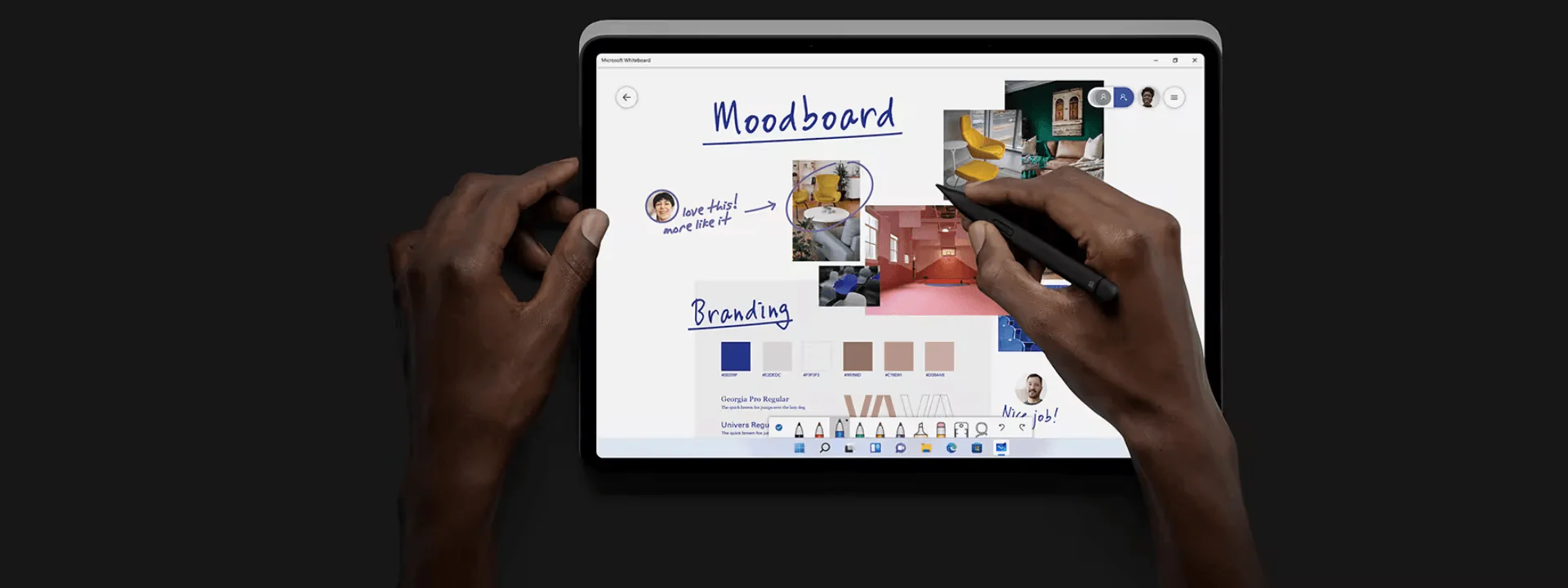
Surface Slim Pen 2 Integration: Enables you to draw, write, and sketch with a digital pen that magnetically attaches, stores, and recharges under the keyboard.
-
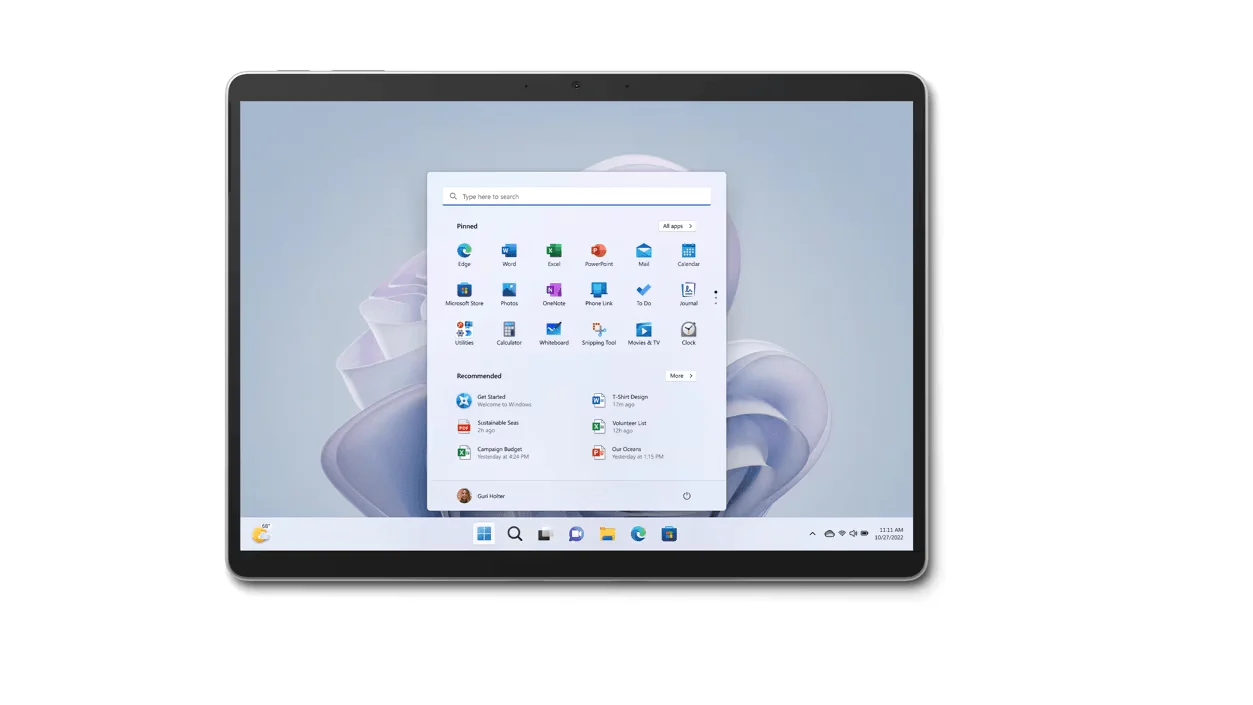
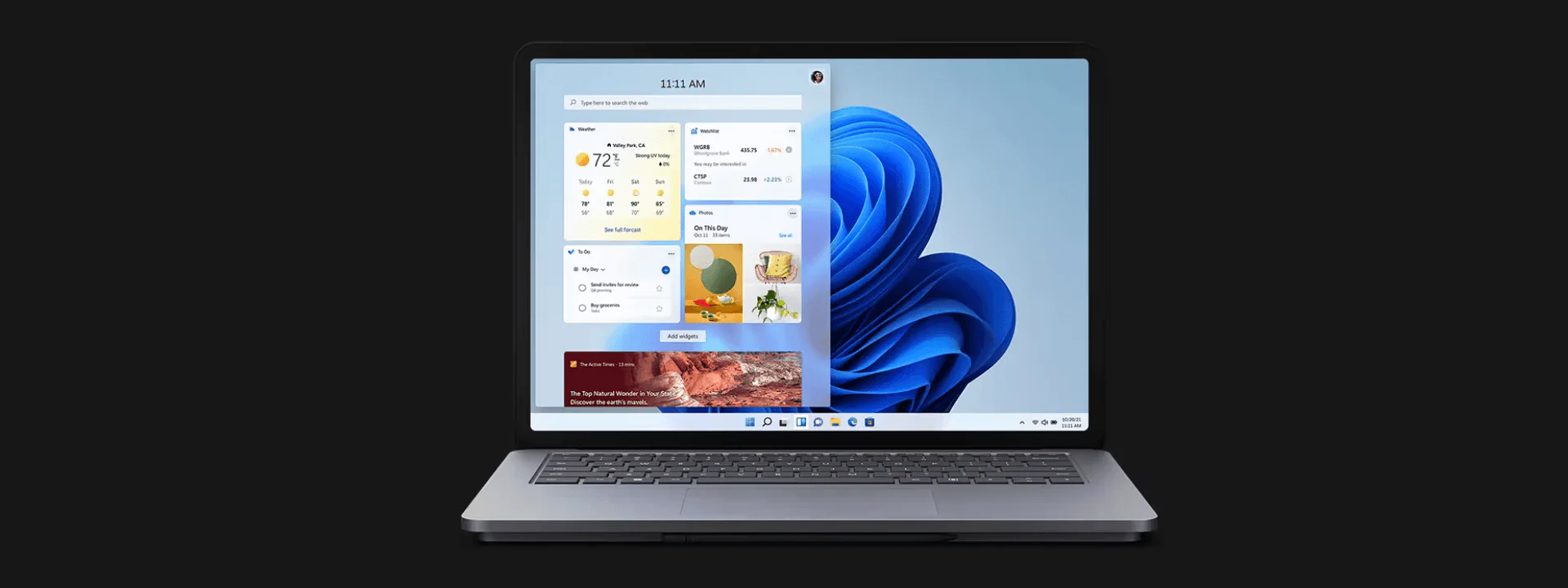
14.4-inch 120 Hz Touchscreen: The PixelSense™ Flow touchscreen offers uniform color, true-to-life contrast, and a high refresh rate for smooth scrolling and quick touch response.
-
Video Call Enhancements: Equipped with Studio Mics with Voice Clarity and an HD camera that improves skin tone accuracy and low-light video, ensuring you look and sound great on video calls.
-
Built for Business: Comes with features for streamlined deployment, modern device management, and cloud-powered security, making it a suitable choice for business environments.
-
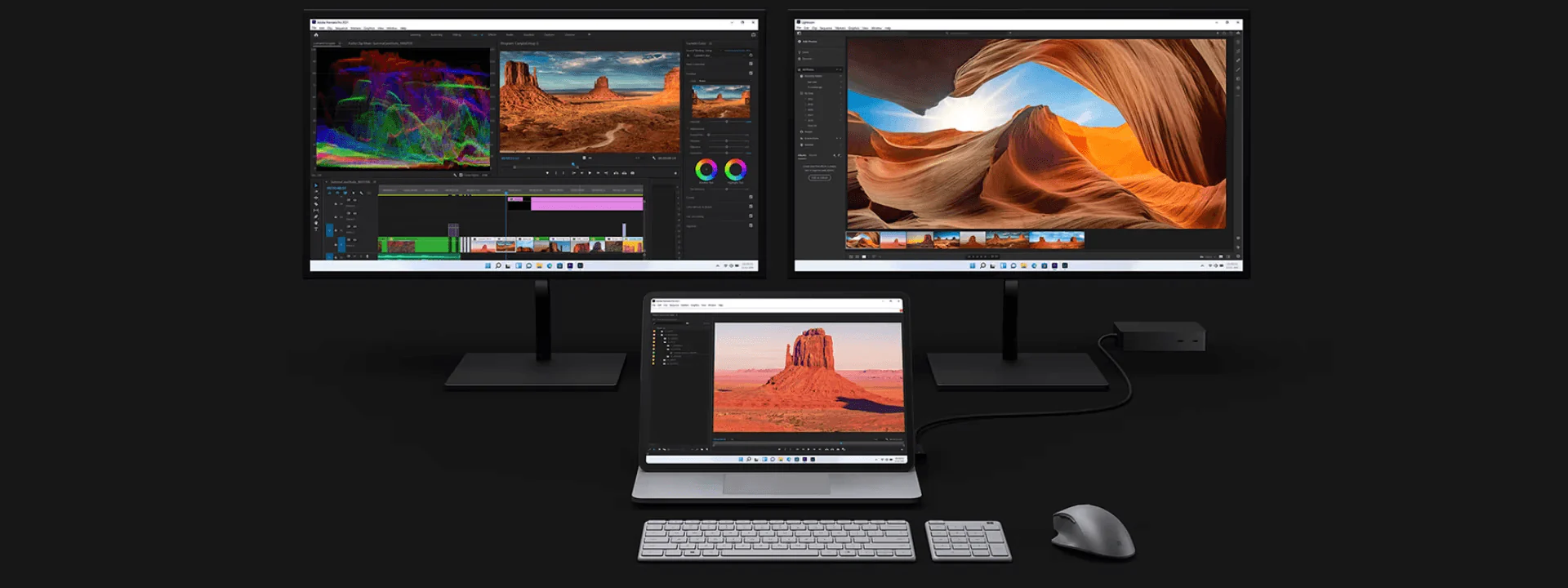
Next-Level Docking: Can be docked in stage mode and connected to up to two external monitors, transforming the Surface Laptop Studio into an interactive third monitor.
-
Creative Canvas: Designed for artists and creators, offering a full-horsepower canvas for drawing and sketching, with the feeling of writing and drawing on paper brought to the screen by the Surface Slim Pen 2.
Conclusion:
The Microsoft Surface Laptop Studio for Business is an ideal choice for professionals seeking a device that offers the power of a high-performance laptop with the flexibility of a tablet. Whether you're coding, designing, presenting, or collaborating on video calls, this device adapts to your needs. Its innovative features, such as the dynamic woven hinge, haptic touchpad, and Surface Slim Pen 2 integration, create an intuitive and satisfying user experience. The built-in security and management features make it a reliable option for business use, providing peace of mind and convenience.
Original: $1,436.34
-65%$1,436.34
$502.72Product Information
Product Information
Shipping & Returns
Shipping & Returns
Description
The Microsoft Surface Laptop Studio for Business is designed to meet the diverse needs of professionals by providing a versatile device that can adapt to different working modes. Here's a detailed look at its key features and benefits:
Key Features:
-
Multi-Mode Usage: Switch between various modes including laptop mode, stage mode for presenting, and studio mode for sketching, all thanks to the dynamic woven hinge.
-
High-Performance Capabilities: Engineered for intensive tasks, it's the most powerful Surface yet, capable of running software like Adobe® Premiere® Pro, Photoshop®, Autodesk® AutoCAD®, and more.
-
Precision Haptic Touchpad: Provides comfortable feedback as you navigate, enhancing your user experience.
-
Surface Slim Pen 2 Integration: Enables you to draw, write, and sketch with a digital pen that magnetically attaches, stores, and recharges under the keyboard.
-
14.4-inch 120 Hz Touchscreen: The PixelSense™ Flow touchscreen offers uniform color, true-to-life contrast, and a high refresh rate for smooth scrolling and quick touch response.
-
Video Call Enhancements: Equipped with Studio Mics with Voice Clarity and an HD camera that improves skin tone accuracy and low-light video, ensuring you look and sound great on video calls.
-
Built for Business: Comes with features for streamlined deployment, modern device management, and cloud-powered security, making it a suitable choice for business environments.
-
Next-Level Docking: Can be docked in stage mode and connected to up to two external monitors, transforming the Surface Laptop Studio into an interactive third monitor.
-
Creative Canvas: Designed for artists and creators, offering a full-horsepower canvas for drawing and sketching, with the feeling of writing and drawing on paper brought to the screen by the Surface Slim Pen 2.
Conclusion:
The Microsoft Surface Laptop Studio for Business is an ideal choice for professionals seeking a device that offers the power of a high-performance laptop with the flexibility of a tablet. Whether you're coding, designing, presenting, or collaborating on video calls, this device adapts to your needs. Its innovative features, such as the dynamic woven hinge, haptic touchpad, and Surface Slim Pen 2 integration, create an intuitive and satisfying user experience. The built-in security and management features make it a reliable option for business use, providing peace of mind and convenience.